
Hi there! Have you tried Google Block Breaker? It’s a simple game that can keep you busy for hours. You bounce a ball to break blocks. It’s like old arcade games but on Google. I love it because it’s quick and free. In this post, I’ll tell you all about it. We’ll cover how to play, tips to win, and more. My goal is to help you get better at it.
This game came out in 2025. It’s based on classic games like Breakout. You can play it right in your web search. No need to download anything. Let’s get started!
Contents
- 1 What Is Google Block Breaker?
- 2 The History of Block Breaker Games
- 3 How to Play Google Block Breaker
- 4 Tips and Strategies to Win at Google Block Breaker
- 5 Levels and Challenges in Google Block Breaker
- 6 Power-Ups and Special Features
- 7 Fun Facts About Google Block Breaker
- 8 Similar Games You Might Like
- 9 Conclusion
- 10 FAQs About Google Block Breaker
What Is Google Block Breaker?
Google Block Breaker is a free online game. You use a paddle to hit a ball. The ball breaks colorful blocks at the top of the screen. Each time you break a block, you get points. The game gets harder as you go. More blocks appear, and the ball moves faster.
It’s like the old Atari Breakout game. Google made it as a fun surprise. You can find it by searching “block breaker” on Google. The search page turns into the game. Cool, right?
The History of Block Breaker Games
Block breaker games started long ago. The first one was Breakout in 1976. It was made by Atari. Steve Jobs and Steve Wozniak helped build it.
Google added their own twists over time. In 2013, they had Atari Breakout as an Easter egg in image search. Then in 2025, they launched Block Breaker. It’s on the main search page now. It has new levels and better play.
Old games had simple graphics. Now, Google’s version has smooth moves and bright colors. It’s fun to see how games change.
How to Play Google Block Breaker
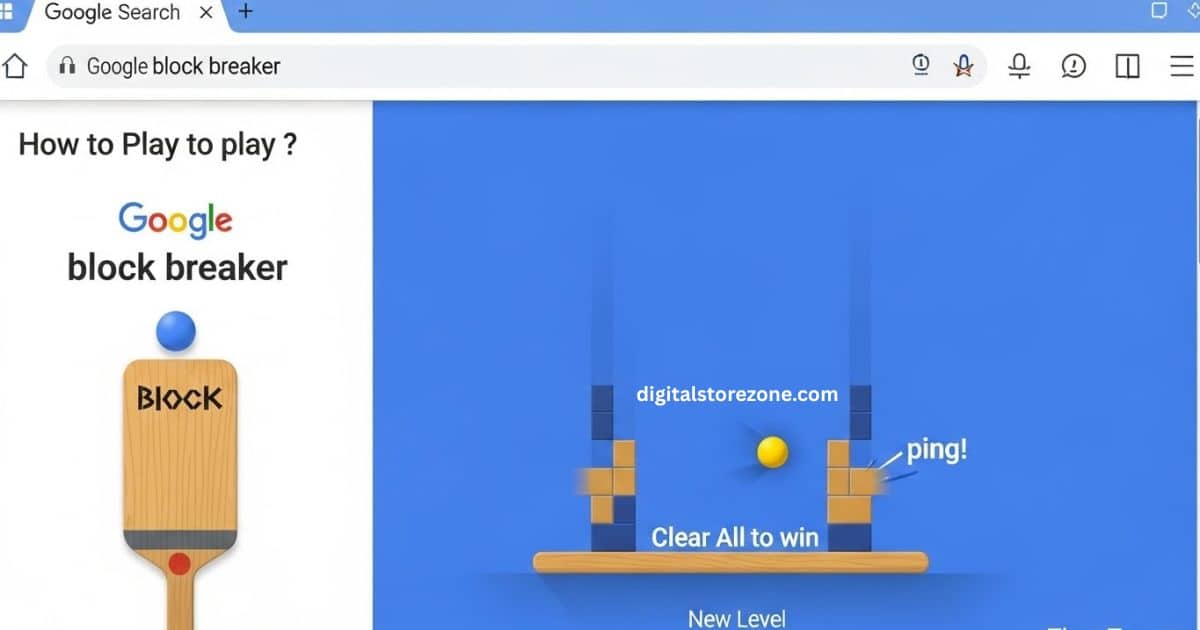
Ready to play? It’s easy. Here’s what you do:
- Go to Google search.
- Type “block breaker” and hit enter.
- The game starts on the page.
You control a paddle at the bottom. Move it left or right. Use your mouse, arrow keys, or touch on a phone. The ball bounces off the paddle. Aim it to hit blocks.
If the ball falls below the paddle, you lose a life. You start with a few lives. Clear all blocks to win the level. Then a new level starts.
The game has sound too. Hear the “ping” when the ball hits. Turn it on for more fun.
Tips and Strategies to Win at Google Block Breaker
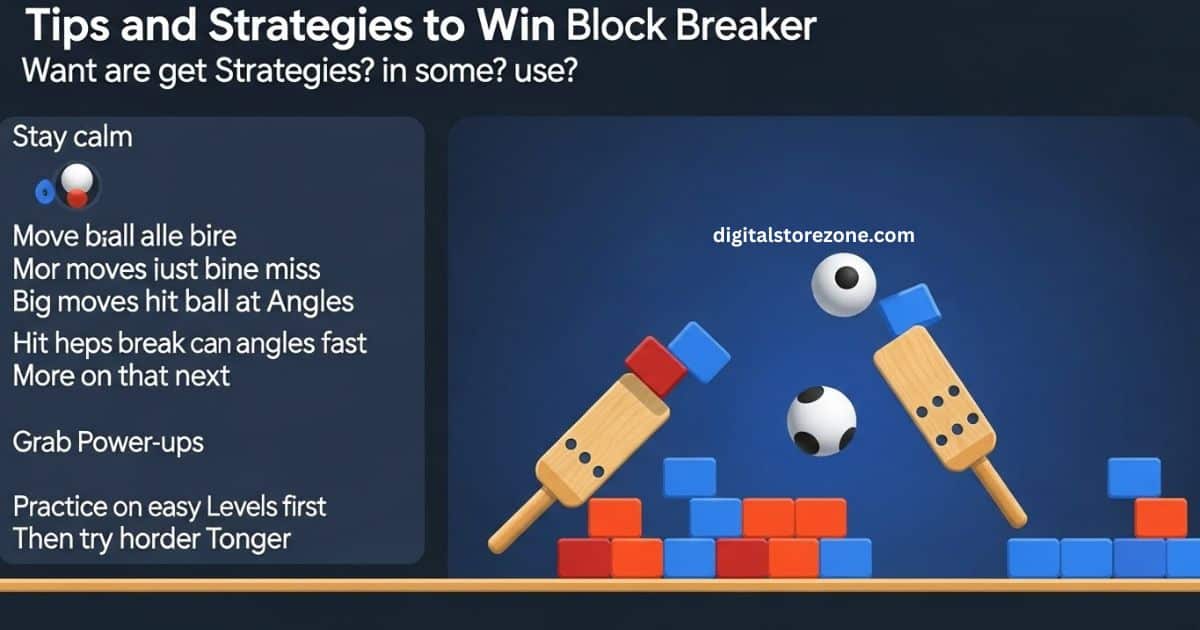
Want to get high scores? Here are some tips I use:
- Stay calm. Watch the ball all the time.
- Move the paddle just a little. Big moves can make you miss.
- Hit the ball at angles. This helps break more blocks fast.
- Grab power-ups. They fall from some blocks. More on that next.
- Practice on easy levels first. Then try harder ones.
These tips help me last longer. Try them out!
Levels and Challenges in Google Block Breaker
Most guides skip this, but levels matter. The game has many stages. Each one has different block setups.
- Level 1: Easy. Few blocks. Slow ball.
- Level 2: More blocks. Ball gets a bit faster.
- Higher levels: Blocks in shapes. Some need two hits to break.
Challenges include fast balls and moving blocks. As you play, it gets tough. But that’s the fun part. Can you beat level 10?
Here’s a quick table of level basics:
| Level | Blocks | Ball Speed | Special Challenge |
|---|---|---|---|
| 1 | 20 | Slow | None |
| 2 | 30 | Medium | Extra rows |
| 3 | 40 | Fast | Hard blocks |
| 4+ | 50+ | Very fast | Power-ups needed |
This table shows what to expect. Use it to plan.
Power-Ups and Special Features
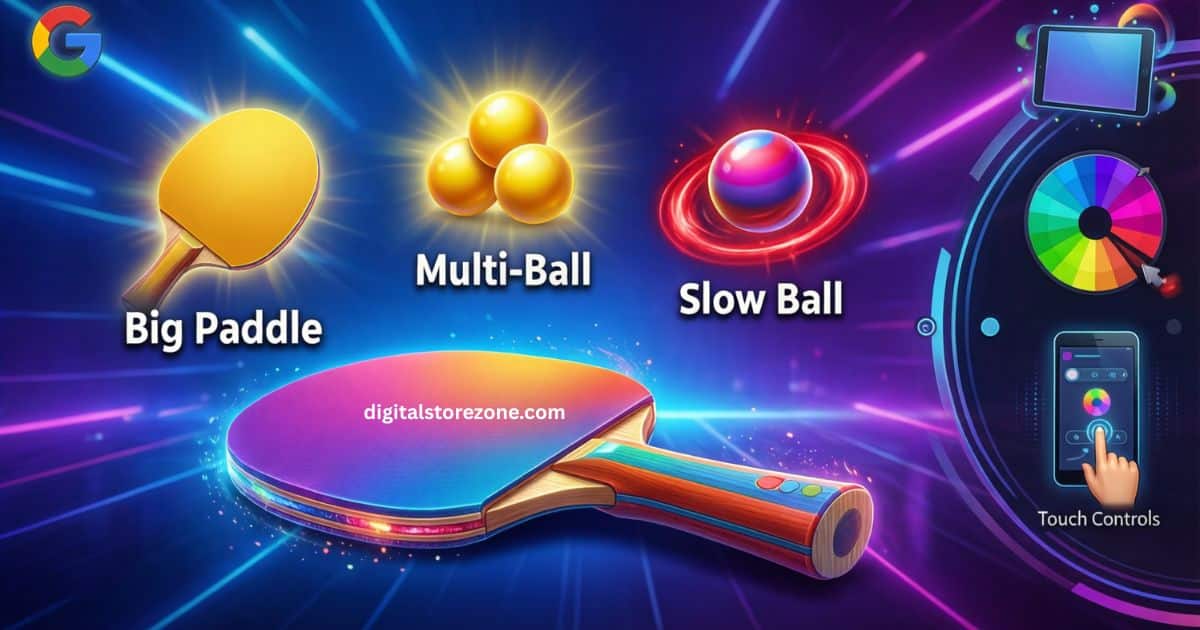
Power-ups make the game exciting. They drop when you break certain blocks. Catch them with your paddle.
- Big Paddle: Makes your paddle longer. Easier to hit the ball.
- Multi-Ball: Adds extra balls. Break blocks quicker.
- Slow Ball: Makes the ball move slower. Good for control.
Some features are new in Google’s version. Like themes. You can change colors. Or play on mobile with touch.
These add value. Competitors don’t talk much about them.
Fun Facts About Google Block Breaker
Here are some cool facts:
- Google launched it on January 23, 2025.
- It’s played by millions each month.
- The game honors old arcade hits.
- You can share your score on social media.
- No ads in the game. It’s pure fun.
I bet you didn’t know all that!
Similar Games You Might Like
If you like Block Breaker, try these:
- Atari Breakout: The classic one.
- Brick Breaker on apps: Many free ones.
- Pong: Another simple bounce game.
These keep the fun going.
Conclusion
There you have it – your full guide to Google Block Breaker. From basic play rules to pro tips, levels, and power-ups, you’re now set to crush those blocks. This classic-style game is perfect for quick breaks or long sessions. Search for “Google Block Breaker” today and start your adventure. What’s your best score? Share in the comments below. Keep playing, stay sharp, and check back for more game guides!
FAQs About Google Block Breaker
You might have questions. Here are answers. I added more than most sites.
What is Google Block Breaker? It’s a free game on Google search. Bounce a ball to break blocks.
How do I start the game? Search “block breaker” on Google. It loads right there.
Is it free? Yes. No cost at all.
Can I play on my phone? Yes. Use touch to move the paddle.
How many levels are there? Many. They get harder each time.
What if I lose all lives? Game over. Start again for a new high score.
Are there cheats? No. Play fair to get better.
Why did Google make this? To add fun to search. Like their other Easter eggs.
Can kids play it? Yes. It’s simple and safe.
How do I get power-ups? Break special blocks. They fall down.