
You run a website. Customers have questions. An FAQ page answers them fast. It saves time for you and them. This guide gives you free FAQ templates. We show you how to use them. Your page will be better than most.
Contents
- 1 What Is an FAQ Page?
- 2 Why Use FAQ Templates?
- 3 How to Pick the Right FAQ Template
- 4 Step-by-Step: How to Make Your FAQ Page
- 5 Free FAQ Templates You Can Download Now
- 6 Real Examples of Great FAQ Pages
- 7 Best Tips for Your FAQ Page
- 8 SEO Tips for FAQ Pages
- 9 How to Link FAQs to Chat Help
- 10 Ways to Check If Your FAQ Works
- 11 Common Mistakes to Skip
- 12 FAQ Templates for Different Types of Sites
- 13 More FAQs
- 14 Wrap Up
What Is an FAQ Page?
FAQ means Frequently Asked Questions. It’s a spot on your site where you list common questions. You give clear answers. Think of it as a quick help desk.
Most FAQ pages use a list. Questions are bold. Answers are below. Some pages let you click to open answers. This keeps it clean.
Why Use FAQ Templates?
Templates make it easy. You don’t start from zero. They give you a ready shape. Just fill in your info.
Benefits:
- Save time. No need to think up the layout.
- Look pro. Good design helps users find answers.
- Boost SEO. Search engines like clear info.
- Cut support calls. Customers help themselves.
Without a template, your FAQ might look messy. Templates fix that.
How to Pick the Right FAQ Template
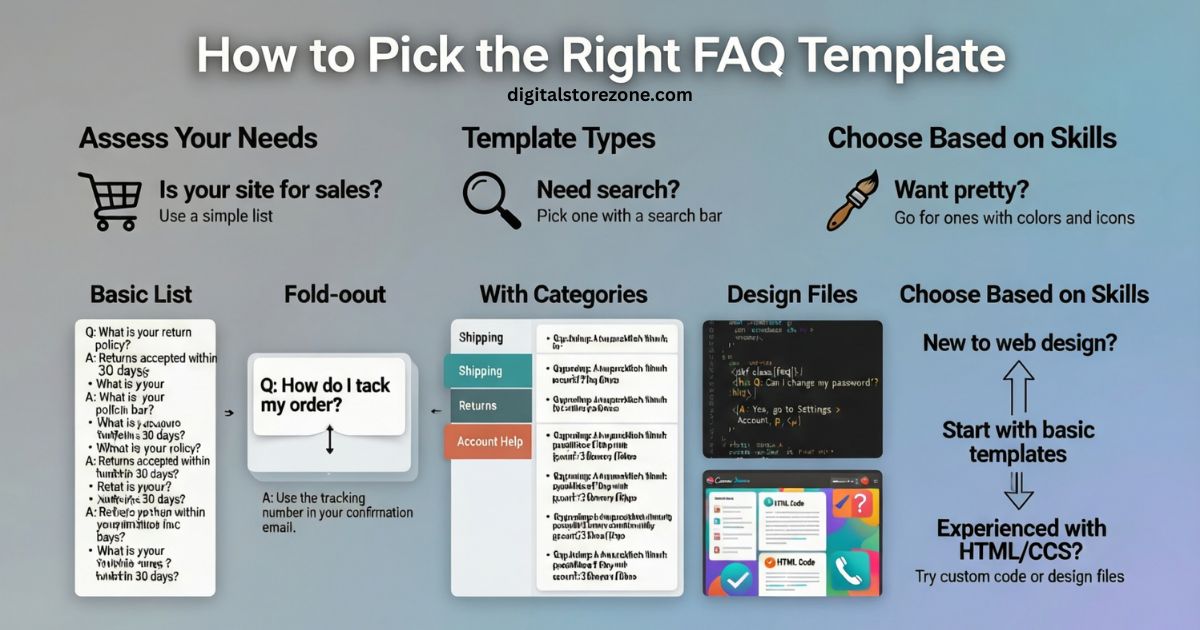
Not all templates fit every site. Think about your needs.
Ask yourself:
- Is your site for sales? Use a simple list.
- Need search? Pick one with a search bar.
- Want pretty? Go for ones with colors and icons.
Types of templates:
- Basic list: Just questions and answers.
- Fold-out: Click to show answer.
- With categories: Group questions by topic.
- HTML code: For coders to add to sites.
- Design files: For tools like Canva.
Choose based on your skills. If you’re new, start basic.
Step-by-Step: How to Make Your FAQ Page
You can build one quick. Follow these steps.
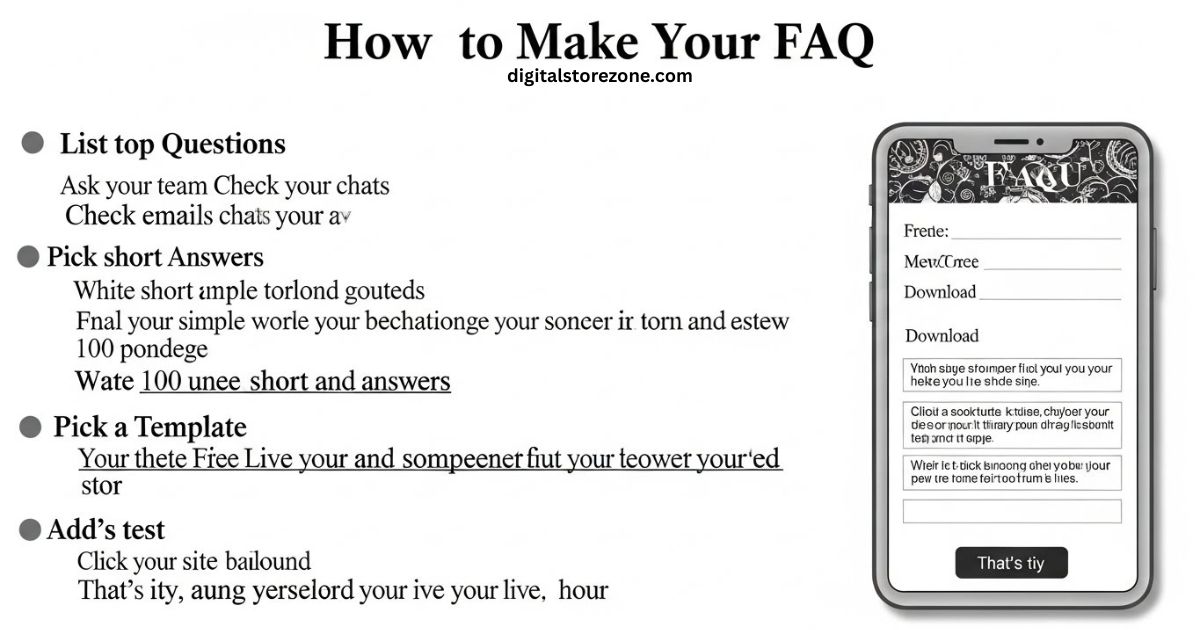
- List top questions. Ask your team. Check emails and chats.
- Write short answers. Use simple words. Keep them under 100 words each.
- Pick a template. Download a free one.
- Fill it in. Add your questions and answers.
- Add to your site. Use your site builder or code.
- Test it. Click around. Make sure it works on phones.
That’s it. Your page is live in an hour.
Free FAQ Templates You Can Download Now
We found some top free templates. Use them as is or change them.
| Template Type | What It Does | Where It Works Best | Example Use |
|---|---|---|---|
| Basic List | Simple bullet points. No clicks needed. | Small sites with few questions. | Shop with shipping info. |
| Fold-Out Style | Questions expand when clicked. | Busy sites. Keeps page short. | Tech support page. |
| Category Groups | Questions sorted into groups like “Billing” or “Shipping”. | Big stores. Easy to scan. | Online shop with many topics. |
| Search Bar Add-On | Lets users type to find answers. | Sites with lots of questions. | Help center for software. |
| Design Template | Pretty layouts with images. | Fun brands. | Blog or fun app. |
These are easy to grab online. Pick one and start.
Real Examples of Great FAQ Pages
See how others do it. These show good ways.
- A shop page: Groups by topic. Uses bold questions.
- A tech site: Has a search box. Answers have steps.
- A blog: Short and fun. Uses “you” a lot.
Your page can look like these. Add your own touch.
Best Tips for Your FAQ Page
Make it work well. Follow these.
- Keep it fresh. Update answers each month.
- Use easy words. No big terms.
- Add links if needed. But keep it simple.
- Make it findable. Put a link in your menu.
- Ask for feedback. Add a “Was this helpful?” button.
These tips make your page top-notch.
SEO Tips for FAQ Pages
Want more visitors? SEO helps.
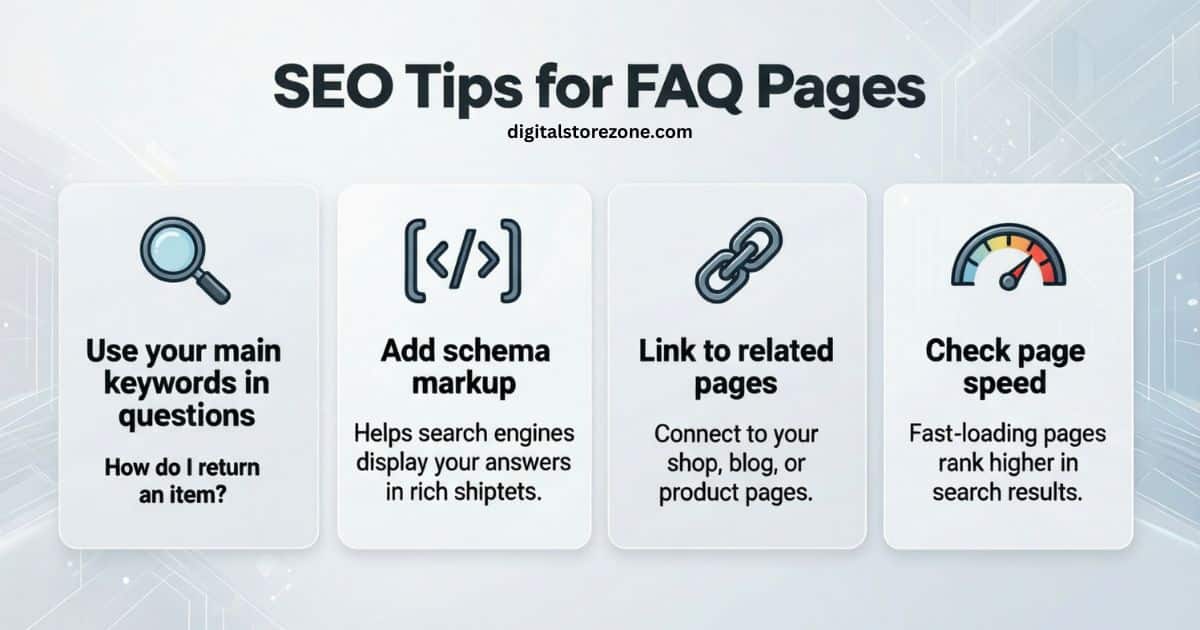
- Use your main words in questions. Like “How do I return an item?”
- Add schema code. It helps search engines show your answers.
- Link to other pages. Connect to your shop or blog.
- Check speed. Fast pages rank better.
This makes your FAQ show up in searches.
How to Link FAQs to Chat Help
FAQs work with chat tools.
- Add a chat button at the bottom.
- If no answer found, link to live help.
- Use bots to pull from your FAQ.
This cuts wait times. Customers love it.
Ways to Check If Your FAQ Works
See if it’s helping.
- Track views. Use site tools.
- See bounce rates. Low means they stay.
- Ask users. Send a quick poll.
Fix what doesn’t work. Your FAQ gets better.
Common Mistakes to Skip
Don’t mess up.
- Too many questions. Keep under 20.
- Long answers. Short is best.
- Hard to read. Use big text.
- No mobile check. Half users are on phones.
Avoid these for a win.
FAQ Templates for Different Types of Sites
Each site is unique.
- For shops: Focus on buy and ship questions.
- For blogs: Answer about content.
- For apps: Cover how-to-use.
Tailor your template to fit.
More FAQs
Here are extra questions you might have.
What if I have no questions yet?
Start with basics. Like “How do I sign up?” Build from there.
Can I use free tools?
Yes. Many sites offer free downloads.
How often to update?
Every few months. Or when things change.
Is an FAQ good for sales?
Yes. It builds trust. Customers buy more.
What if my site is small?
Even better. A simple FAQ helps a lot.
How to make it look good?
Use colors from your brand. Add icons.
Can FAQs help with complaints?
Yes. Clear answers stop issues early.
What’s the best length?
Short. Aim for quick reads.
Wrap Up
You now know FAQ templates. Use them to make a great page. It helps customers. It helps you. Start today. Your site will thank you.