
Finding the best CRM software for a small business can be tricky. The right choice can boost your business growth and customer relationships.
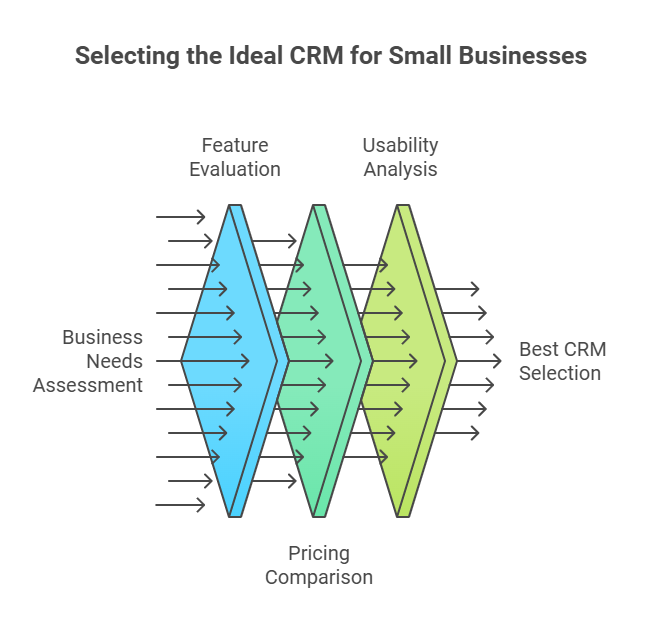
Small businesses need effective tools to manage customers. CRM software helps keep track of interactions and sales. But with so many options, choosing the right one can feel overwhelming. Each CRM offers different features and pricing. Some focus on ease of use, while others provide advanced tools.
Understanding your business needs is key. This guide will help you find the best CRM software for a small business. It will cover essential features, pricing, and usability. By the end, you will clearly know which CRM suits your business best. Let’s dive in and explore the options.
Contents
Introduction To CRM Software
Customer Relationship Management (CRM) software helps businesses manage customer interactions. It stores customer data, tracks interactions, and automates processes. CRM software is essential for businesses of all sizes, but it is especially beneficial for small businesses. It helps them stay organized and improve customer relationships.
Importance For Small Businesses
CRM software is crucial for small businesses for several reasons:
- Centralized Data: All customer information is stored in one place.
- Improved Communication: Keeps track of customer interactions.
- Efficiency: Automates repetitive tasks, saving time.
- Customer Retention: Helps maintain strong relationships with customers.
Small businesses often have limited resources. CRM software helps them use these resources effectively. It also enables them to provide excellent customer service. This is vital for growth and success.
Key Features To Look For
When choosing CRM software for your small business, consider these key features:
- User-Friendly Interface: Easy to navigate and use.
- Contact Management: Store and manage customer information.
- Sales Automation: Streamlines the sales process.
- Reporting and Analytics: Provide insights into customer behavior.
- Integration Capabilities: Works with other tools you use.
- Mobile Access: Accessible from smartphones and tablets.
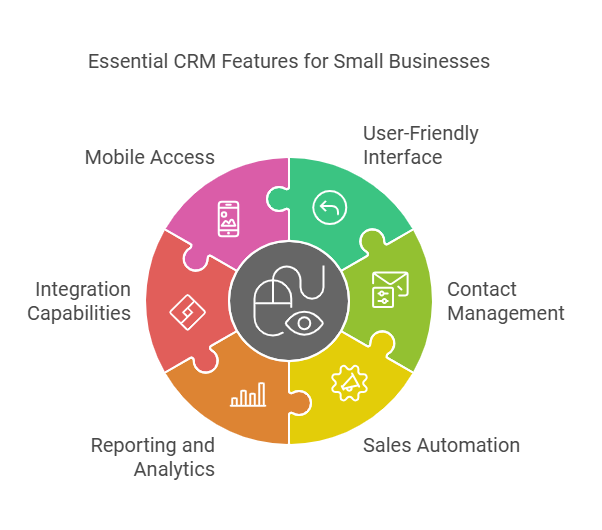
Choosing the right CRM software involves evaluating these features. It ensures the software meets your business needs.
Criteria For Selecting CRM Software
Choosing the right CRM software for your small business is crucial. It enhances customer relationships, streamlines processes, and boosts productivity. Several criteria must be considered to ensure you select the best CRM software for your needs.
Ease Of Use
A user-friendly CRM system is vital for small businesses. Your team should adopt and use it without extensive training. Look for a simple interface with intuitive navigation. Features like drag-and-drop, visual dashboards, and easy-to-follow tutorials can make a big difference. A complicated CRM can slow down your processes and decrease productivity.
Scalability
Your CRM should grow with your business. As your customer base expands, your CRM should handle increased data without losing performance. Look for features that support additional users and integrations. Ensure the CRM can handle more complex workflows as your business evolves. A scalable CRM ensures long-term efficiency and effectiveness.
Integration Capabilities
Integration with other tools is essential for a seamless workflow. Your CRM should connect easily with your existing software. Common integrations include email platforms, accounting software, and marketing tools. Check if the CRM offers API support for custom integrations. Smooth integration saves time and reduces manual entry errors.
| Criteria | Importance |
|---|---|
| Ease of Use | High |
| Scalability | High |
| Integration Capabilities | Medium |
Consider these criteria carefully before deciding on CRM software. The right choice will support your business growth and improve customer management.
Hubspot CRM
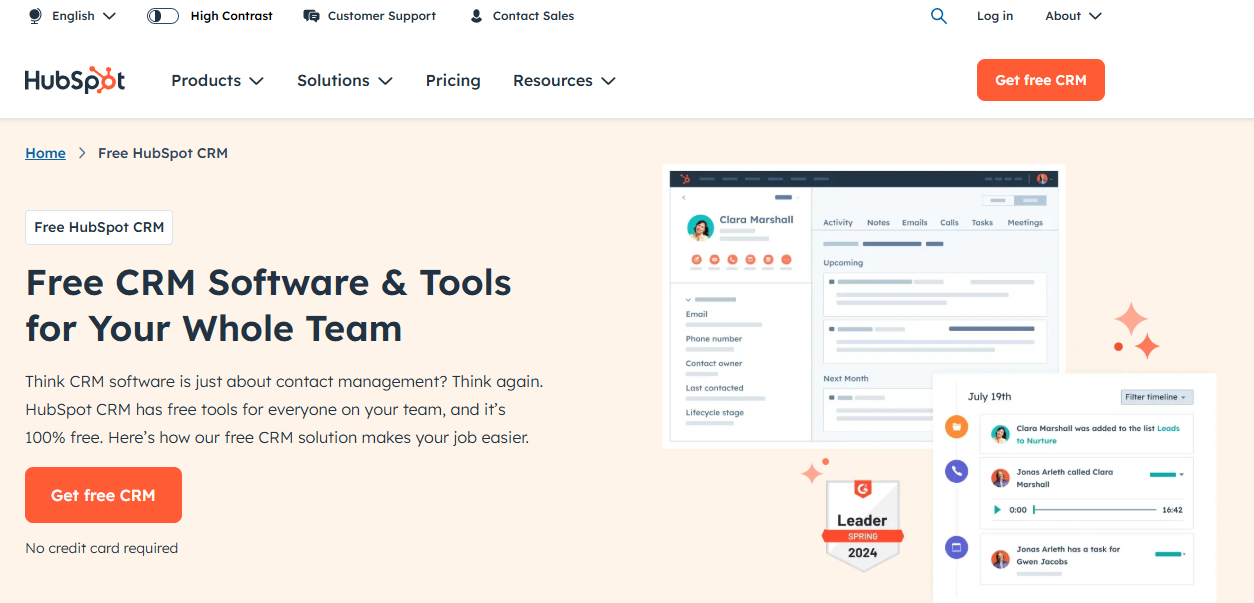
Choosing the right CRM software is crucial for small businesses. HubSpot CRM offers a robust solution. It’s ideal for businesses with limited budgets. Let’s explore its features, pricing, and pros and cons.
Features
HubSpot CRM comes packed with features that help small businesses thrive:
- Contact Management: Store unlimited contacts and manage them easily.
- Email Tracking: Track emails and know when prospects open them.
- Lead Generation: Capture leads using forms and landing pages.
- Pipeline Management: Visualize your sales pipeline and track deals.
- Reporting: Generate detailed reports on sales activity.
Pricing
HubSpot CRM offers a free plan with essential features. For more advanced features, consider the paid plans:
| Plan | Price (Per Month) |
|---|---|
| Free | $0 |
| Starter | $45 |
| Professional | $800 |
| Enterprise | $3,200 |
Pros And Cons
HubSpot CRM has its strengths and weaknesses:
- Pros:
- Free plan available with core features
- User-friendly interface
- Scalable as your business grows
- Integration with many other tools
- Cons:
- Advanced features are costly
- Limited customization options
- Customer support can be slow
Zoho CRM
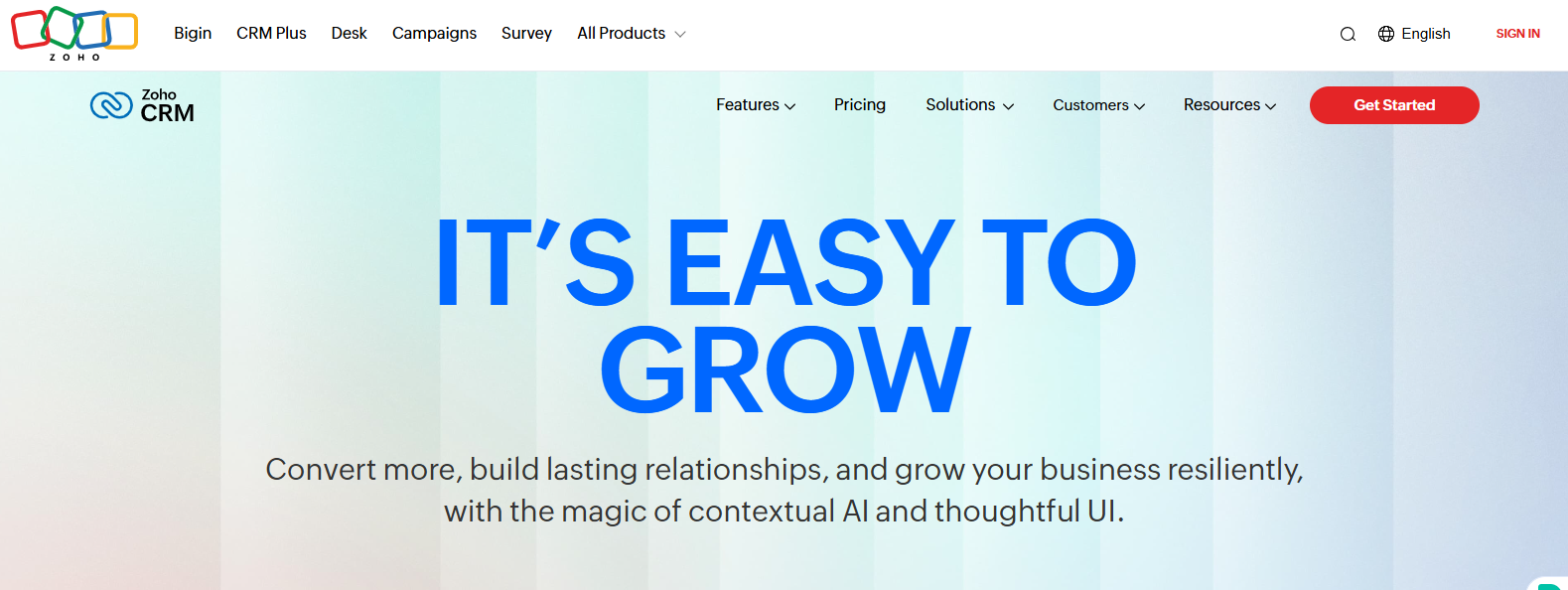
Zoho CRM is one of the most popular CRM solutions for small businesses. It offers many features that help companies manage their customer relationships efficiently. This software is known for its affordability and ease of use, making it a great choice for small business owners.
Features
Zoho CRM provides an array of features designed to streamline business operations. These features include:
- Contact Management: Store and manage customer information in one place.
- Sales Automation: Automate sales tasks and improve efficiency.
- Lead Management: Track and manage leads throughout the sales process.
- Email Integration: Integrate with popular email services for seamless communication.
- Reports and Analytics: Generate detailed reports to understand business performance.
- Customization: Customize the CRM to fit your business needs.
Pricing
Zoho CRM offers several pricing plans to suit different budgets. These plans include:
| Plan | Cost (Per User/Month) | Features |
|---|---|---|
| Free | $0 | Basic features for up to 3 users |
| Standard | $12 | Advanced features and integrations |
| Professional | $20 | More automation and customization options |
| Enterprise | $35 | Advanced analytics and AI features |
Pros And Cons
Zoho CRM has several pros and cons that are worth considering.
Pros
- Affordable: Competitive pricing for small businesses.
- User-Friendly: Easy to use with a simple interface.
- Scalable: Grows with your business needs.
- Customizable: Adaptable to various business requirements.
Cons
- Learning Curve: Initial setup can be time-consuming.
- Limited Free Plan: The free plan has limited features.
- Support: Customer support can be slow at times.
Salesforce Essentials
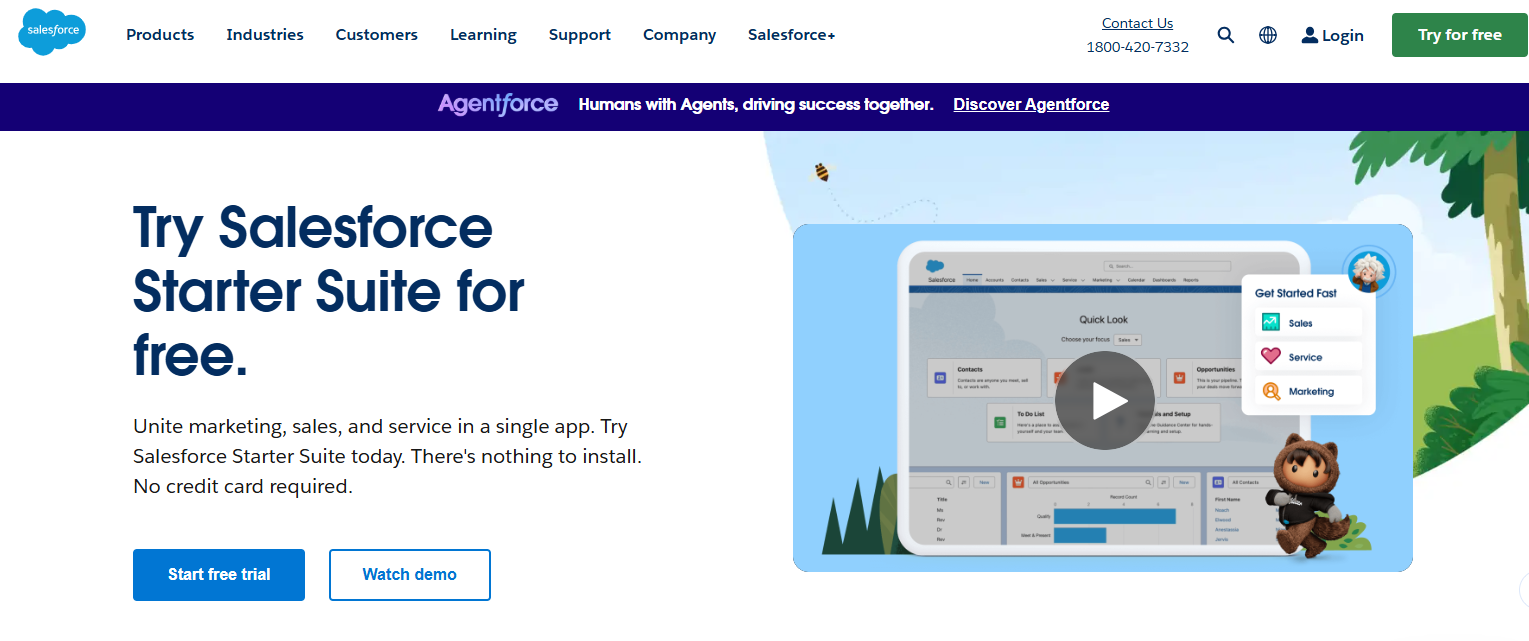
Salesforce Essentials is a streamlined version of Salesforce’s powerful CRM tailored for small businesses. It offers a simplified, user-friendly interface while packing a punch with robust features. Designed to help small teams manage customer relationships and grow their business, Salesforce Essentials provides the essential tools needed without overwhelming complexity.
Features
Salesforce Essentials comes with a range of features designed to support small businesses. Here are some key features:
- Contact Management: Store and manage customer information in one place.
- Opportunity Tracking: Track sales opportunities and manage your pipeline.
- Email Integration: Sync your email with Salesforce to keep communication in one place.
- Task Management: Create and assign tasks to team members.
- Mobile App: Access your CRM on the go with the Salesforce mobile app.
- Reports and Dashboards: Generate reports and visualize data with customizable dashboards.
Pricing
Salesforce Essentials offers a straightforward pricing model:
| Plan | Cost | Features |
|---|---|---|
| Essentials | $25 per user/month | All core CRM features, up to 10 users |
Pros And Cons
Understanding the pros and cons can help you decide if Salesforce Essentials is right for your small business.
- Pros:
- Easy to use with a simple setup process.
- Affordable pricing for small teams.
- Access to powerful Salesforce features.
- Excellent customer support and resources.
- Customizable to fit your business needs.
- Cons:
- Limited to 10 users, which may not scale.
- Some features require additional cost.
- The learning curve for advanced features.
Pipedrive
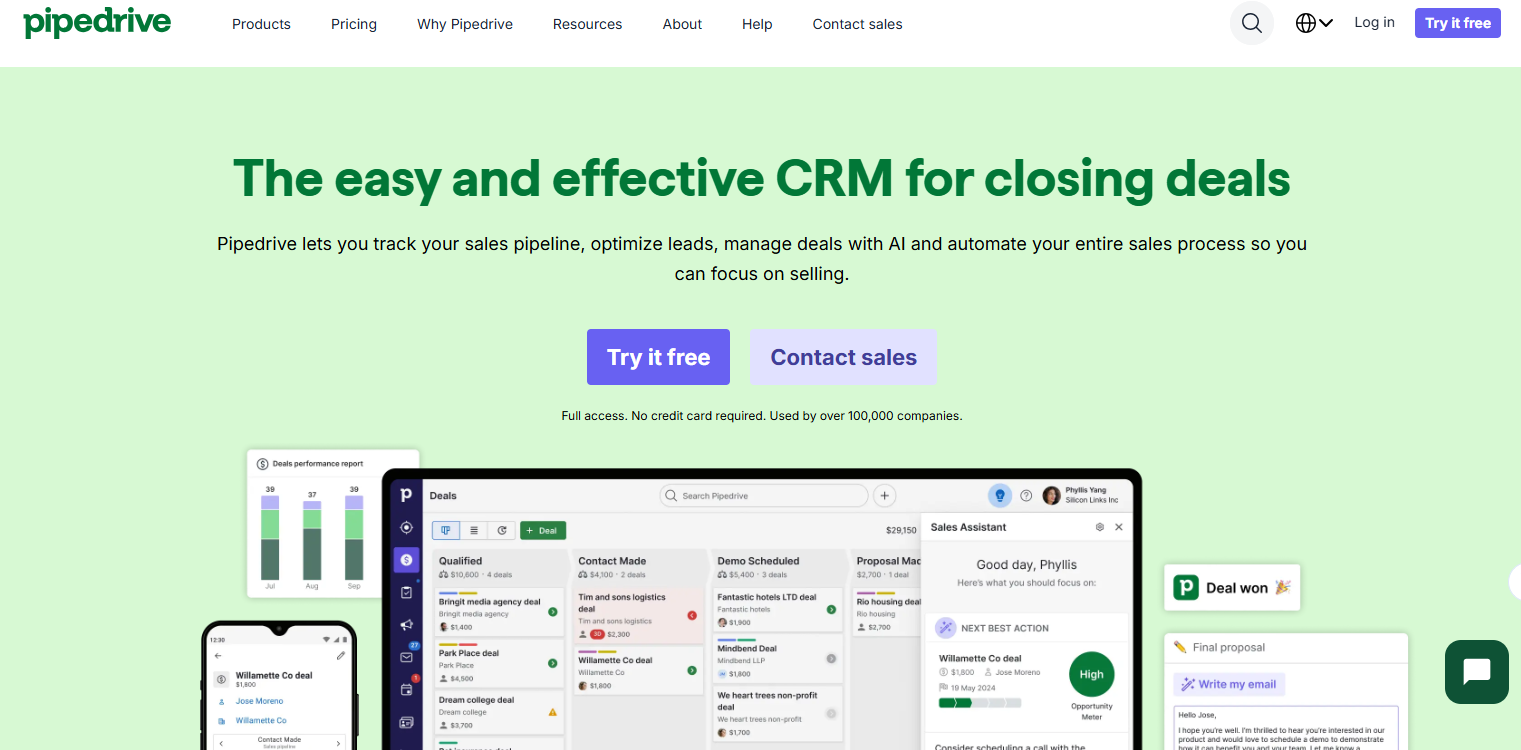
Pipedrive is cloud-based CRM software designed to help small businesses manage sales processes efficiently. It’s known for its user-friendly interface and robust features, and it aims to simplify tasks related to sales and customer relationship management.
Features
Pipedrive offers several features that make it a strong choice for small businesses:
- Visual Sales Pipeline: Easily track sales progress with a visual pipeline.
- Email Integration: Sync your emails to manage communication from one platform.
- Automation: Automate routine tasks to save time and reduce errors.
- Reporting: Generate detailed reports to understand sales performance.
- Mobile App: Access your CRM on the go with the Pipedrive mobile app.
- Customizable Fields: Tailor the CRM to fit your business needs.
Pricing
Pipedrive offers several pricing plans to suit different business needs:
| Plan | Cost (per user/month) | Features Included |
|---|---|---|
| Essential | $12.50 | Basic pipeline management, Email integration, Custom fields |
| Advanced | $24.90 | Advanced reporting, Workflow automation, Enhanced email integration |
| Professional | $49.90 | Team collaboration tools, Customizable dashboards, Advanced customization |
| Enterprise | $99.00 | Dedicated support, Unlimited customization, Enterprise-level security |
Pros And Cons
Understanding the pros and cons of Pipedrive can help you decide if it’s the right fit for your business:
Pros
- User-Friendly Interface: Easy to navigate, even for beginners.
- Customizable: Adapt the CRM to match your specific needs.
- Great Customer Support: A responsive support team is available 24/7.
- Mobile App: Stay connected with your CRM on the go.
Cons
- Cost: Can be pricey for very small businesses.
- Limited Integrations: There are not as many third-party integrations as some competitors.
- Learning Curve: Some features might take time to master.
Freshsales
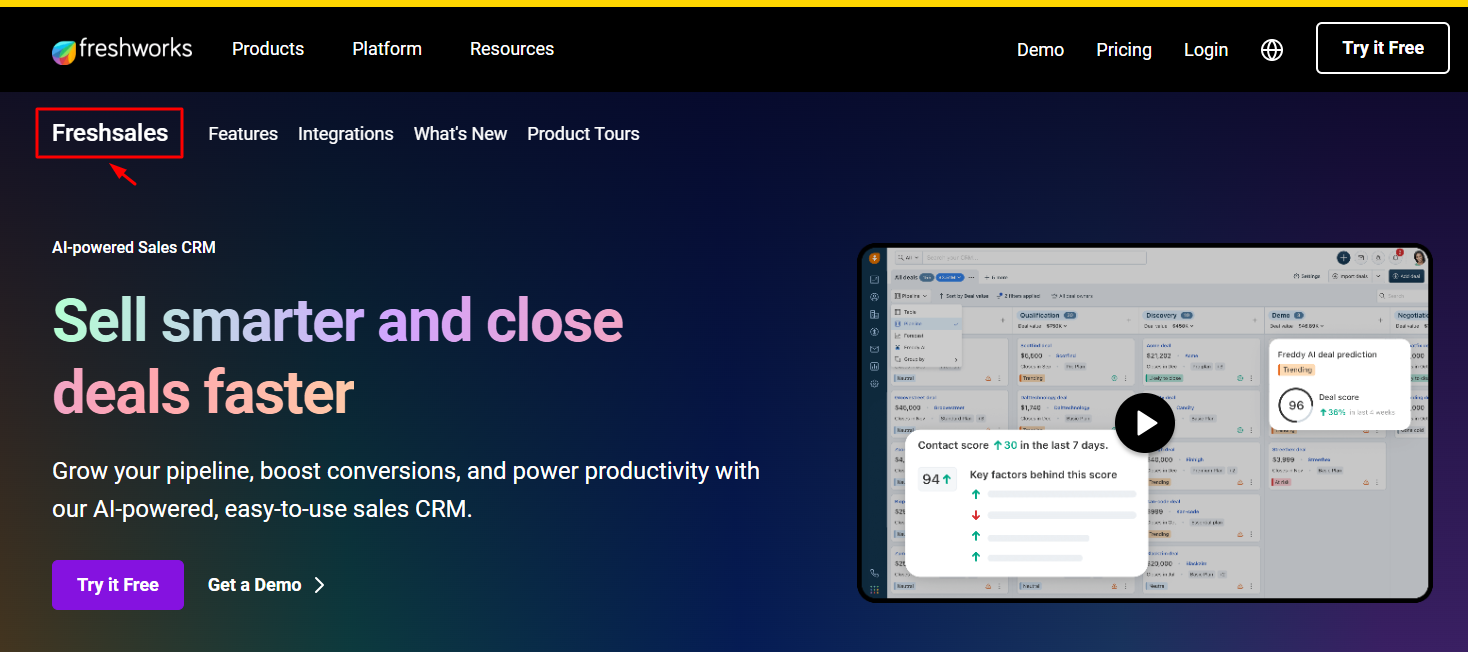
Small businesses need efficient tools to manage customer relationships. Freshsales is a popular CRM solution that offers a range of features tailored for small businesses. It provides a user-friendly interface and powerful tools to help businesses grow.
Features
Freshsales offers a variety of features designed to streamline your sales process:
- Contact Management: Keep track of all customer interactions in one place.
- Email Integration: Sync your emails to manage communication effortlessly.
- Lead Scoring: Identify and prioritize high-potential leads.
- Automation: Automate repetitive tasks to save time.
- Sales Pipeline: Visualize your sales pipeline and track deals.
- Reporting: Generate detailed reports to measure performance.
Pricing
Freshsales offers several pricing plans to fit different budgets:
| Plan | Price (per user/month) | Features |
|---|---|---|
| Free | $0 | Basic features, up to 10 users |
| Growth | $15 | Advanced features, up to 50 users |
| Pro | $39 | All features, unlimited users |
| Enterprise | $69 | Customized solutions and support |
Pros And Cons
Let’s look at the pros and cons of using Freshsales:
- Pros:
- Easy-to-use interface
- Affordable pricing plans
- Comprehensive feature set
- Strong customer support
- Cons:
- Limited customization options
- Advanced features may require a higher plan
Comparison Of Top Picks
Choosing the best CRM software for a small business can be a challenge. Each option has unique features, pricing, and ideal use cases. This section will compare top CRM software options to help you find the best fit for your business.
Feature Comparison
| CRM Software | Key Features |
|---|---|
| HubSpot CRM |
|
| Zoho CRM |
|
| Pipedrive |
|
Pricing Comparison
| CRM Software | Free Plan | Starting Price |
|---|---|---|
| HubSpot CRM | Yes | $50/month |
| Zoho CRM | No | $14/user/month |
| Pipedrive | No | $15/user/month |
Best Use Cases
- HubSpot CRM: Ideal for businesses needing a free, easy-to-use CRM with basic features. Great for startups and small teams.
- Zoho CRM: Best for growing businesses that need advanced features and integrations. Suitable for businesses looking for customization.
- Pipedrive: Perfect for sales-focused teams wanting a visual pipeline. Suitable for businesses prioritizing deal management.
Frequently Asked Questions
What Is CRM Software?
CRM software helps businesses manage customer relationships efficiently. It stores customer data, tracks interactions, and improves communication. It is ideal for small businesses.
Why Use CRM For Small Business?
CRM enhances customer management. It organizes contacts, improves sales processes, and boosts customer satisfaction. Essential for small businesses.
Which CRM Is Best For Startups?
HubSpot CRM is popular for startups. It’s free, user-friendly, and scalable. Ideal for small business growth.
How Does CRM Improve Sales?
CRM streamlines sales processes. It tracks leads, automates tasks, and provides insights. Enhances productivity and sales performance.
Conclusion
Choosing the best CRM software boosts small business efficiency. Evaluate your business needs carefully. Compare features, costs, and customer support. Test a few options with free trials. Pick the one that fits your team. A good CRM helps manage customer relationships better.
It leads to growth and success. Don’t rush; make an informed decision. Happy CRM hunting!