
Accounting Software Costs for Small Businesses vary widely. Prices depend on features and the size of your business.
Small business owners know the importance of managing finances effectively. Accounting software can streamline this process, saving time and reducing errors. But how much should you expect to pay? From basic packages to advanced solutions, the cost can range from a few dollars a month to hundreds.
Understanding these costs helps you find the right software that fits your budget and needs. In this guide, we’ll explore different pricing models and what you get for your money. By the end, you’ll have a clear idea of what to expect and how to choose the best option for your business.
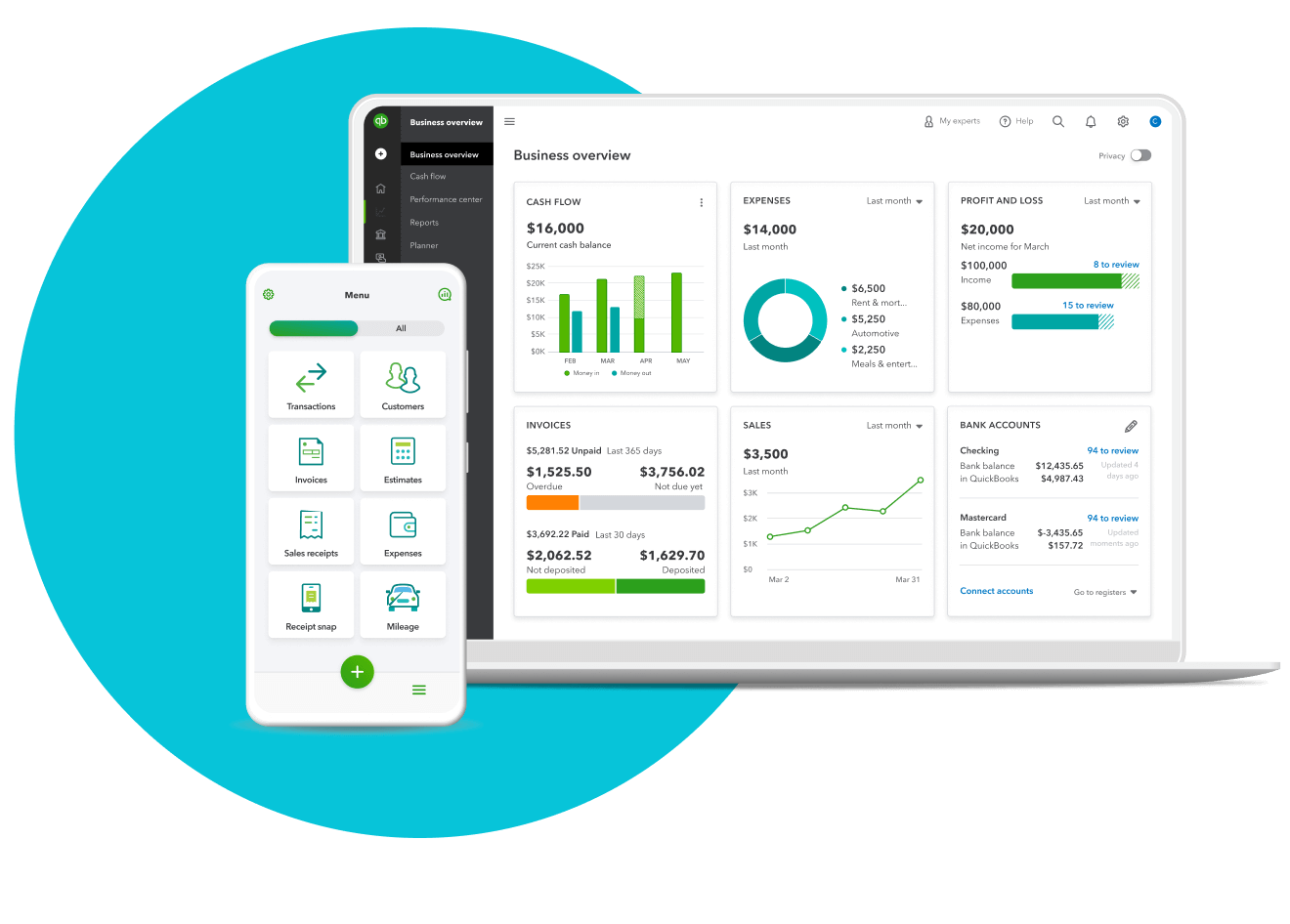
Credit: quickbooks.intuit.com
Contents
Introduction To Accounting Software Costs
Small businesses often need to manage their finances efficiently. Accounting software helps with this. But how much does it cost? This blog post explores the costs of accounting software for small businesses.
Importance Of Accounting Software
Accounting software is crucial for small businesses. It helps track expenses, manage invoices, and prepare taxes. Small businesses can save time and reduce errors. This software simplifies financial tasks. It also provides real-time economic data. This data aids in making informed decisions.
Many small businesses struggle without accounting software. They often face financial errors. Manual bookkeeping is time-consuming and increases the risk of mistakes. Accounting software automates tasks, improving accuracy and efficiency.
Factors Influencing Costs
Several factors influence the cost of accounting software. Below are the main factors:
- Features: More features often mean higher costs. Essential software may include invoicing and expense tracking. Advanced software offers payroll, inventory management, and reporting.
- Number of Users: The cost increases with more users. Some software charges per user, while others offer a flat fee for multiple users.
- Deployment Type: Cloud-based software often has subscription fees. On-premise software may have a one-time purchase cost.
- Support and Training: Some software includes support and training in the price, while others charge extra for these services.
- Integration: Software that integrates with other tools may cost more. This includes CRM, e-commerce, and payroll systems.

Below is a table summarizing the average costs based on different factors:
| Factor | Average Cost |
|---|---|
| Basic Features | $10 – $50 per month |
| Advanced Features | $50 – $200 per month |
| Single User | $10 – $50 per month |
| Multiple Users | $50 – $200 per month |
| Cloud-Based | $10 – $100 per month |
| On-Premise | $200 – $1000 one-time |
Each small business has unique needs. Evaluating these factors can help you choose the right accounting software at the correct cost.
Types Of Accounting Software
Choosing the right accounting software for your small business is crucial. Different types of accounting software are available, each offering unique features. Understanding these options helps you make an informed decision.
Cloud-based Vs On-premise
Cloud-based accounting software is hosted on remote servers and can be accessed from anywhere with an internet connection. Many small businesses prefer this option due to its flexibility and ease of use.
- Accessible from any device with internet.
- Automatic updates without manual intervention.
- Subscription-based pricing that spreads costs over time.
On-premise accounting software is installed directly on your company’s computers. It offers more control over data but requires more maintenance.
- One-time purchase cost with no ongoing fees.
- Greater data control and security.
- Requires IT support for updates and maintenance.
Industry-specific Solutions
Some accounting software is designed for specific industries. These solutions address unique needs and challenges. Here are a few examples:
| Industry | Key Features |
|---|---|
| Retail | Inventory management, Point of Sale (POS) integration |
| Construction | Project costing, Job tracking, Compliance management |
| Healthcare | Patient billing, Insurance claims, Regulatory compliance |
Choosing an industry-specific solution can simplify your accounting processes. It ensures your software meets your unique business needs.
Pricing Models
Understanding accounting software pricing models helps small businesses make informed decisions. Different models cater to varied needs and budget constraints. This section explores the most common pricing models: Subscription-Based Pricing and One-Time Purchase.
Subscription-based Pricing
Subscription-based pricing is a popular choice for small businesses. It involves paying a monthly or annual fee. This model offers several advantages:
- Low upfront cost: Easier on the budget.
- Regular updates: Stay current with the latest features.
- Scalability: Easily upgrade plans as your business grows.
Here is a table illustrating typical subscription costs:
| Plan Type | Monthly Cost | Annual Cost |
|---|---|---|
| Basic | $10 – $20 | $100 – $200 |
| Standard | $30 – $50 | $300 – $500 |
| Premium | $60 – $100 | $600 – $1,000 |
One-time Purchase
One-time purchase pricing is another option. It involves paying a single fee to own the software. This model has its unique benefits:
- Long-term savings: No recurring payments.
- Full ownership: Complete control over the software.
- Consistent features: No unexpected changes or updates.
Here is an example of one-time purchase costs:
| Software Type | Cost |
|---|---|
| Basic | $100 – $300 |
| Standard | $400 – $700 |
| Premium | $800 – $1,200 |

Credit: www.jaz.ai
Basic Features And Costs
Choosing the right accounting software for your small business can be a game-changer. The costs and features can vary widely. Here’s a breakdown of the basic features and their associated costs to help you make an informed decision.
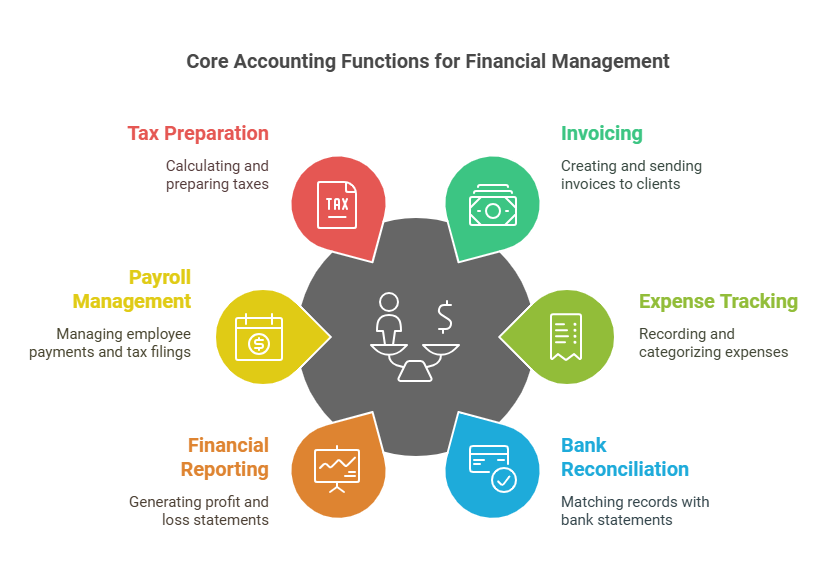
Core Accounting Functions
Most accounting software for small businesses includes essential functions. These core features help manage your finances efficiently.
- Invoicing: Create and send invoices to clients.
- Expense Tracking: Record and categorize expenses.
- Bank Reconciliation: Match your records with bank statements.
- Financial Reporting: Generate profit and loss statements and balance sheets.
- Payroll Management: Manage employee payments and tax filings.
- Tax Preparation: Calculate and prepare taxes with ease.
Cost Implications
The cost of accounting software depends on the features and the provider. Here is a general overview of what you can expect to pay.
| Software Type | Monthly Cost |
|---|---|
| Basic Plans | $10 – $25 |
| Standard Plans | $30 – $50 |
| Premium Plans | $60 – $100 |
Basic plans often include core accounting functions. Standard plans might add features like payroll management and advanced reporting. Premium plans usually offer all features, including dedicated support and advanced analytics.
Some providers offer discounts for annual subscriptions, and free trials are also available every day. These trials can help you assess whether the software meets your needs.
Advanced Features And Additional Costs
When choosing accounting software for your small business, the basic costs are just the beginning. Many advanced features come with additional fees. These features can enhance your business operations but require an investment. Below, we explore two key advanced features and their associated costs: Payroll Integration and Inventory Management.
Payroll Integration
Payroll integration is a vital feature for many small businesses. It simplifies employee payments and tax filings. The cost of payroll integration can vary. Some software includes it in the base price, while others charge extra for this service.
Here is a simple breakdown:
| Software | Base Price | Payroll Integration Cost |
|---|---|---|
| Software A | $20/month | $15/month |
| Software B | $30/month | Included |
Consider your payroll needs. Then evaluate the costs of integrating these features.
Inventory Management
Inventory management is crucial for businesses that sell products. This feature helps track stock levels, orders, and deliveries. The cost of inventory management varies widely, depending on the complexity of the system and the size of the inventory.
Here’s what to expect:
- Basic inventory tracking: $10 to $20/month
- Advanced inventory management with features like barcode scanning: $30 to $50/month
Advanced inventory systems can integrate with other business tools, such as eCommerce platforms and point-of-sale systems. However, this integration often comes at an additional cost.
Evaluate your inventory needs. Then choose a solution that fits your budget and business size.
Hidden Costs To Consider
When choosing accounting software for your small business, it’s essential to consider all costs. While the upfront price is clear, there are hidden costs that can add up. Let’s explore these hidden costs in detail.
Implementation Fees
Many accounting software providers charge for implementation. This fee covers the software’s setup and initial configuration. It’s a one-time cost, but it can be significant.
Implementation fees can vary. They depend on the complexity of your business needs. Here’s a breakdown of potential costs:
| Service | Estimated Cost |
|---|---|
| Basic Setup | $200 – $500 |
| Advanced Customization | $500 – $1,500 |
| Data Migration | $300 – $1,000 |
These costs can add up quickly. It’s essential to budget for them.
Training And Support
Training your team to use new accounting software is crucial. It ensures they can use the software efficiently. Training sessions are often an additional cost.
Support services also come with a price tag. Some providers include essential support in their subscriptions. Others charge extra for premium support. Here are some typical costs:
- Basic Training: $100 – $300 per session
- Advanced Training: $300 – $700 per session
- Premium Support: $50 – $100 per month
Investing in training and support helps avoid costly mistakes. Ensure you consider these costs when choosing accounting software.
Cost Comparison Of Popular Accounting Software
Small businesses often need accounting software to manage their finances. But how much should they expect to pay? Here is a cost comparison of three popular accounting software options: QuickBooks, Xero, and FreshBooks.
Quickbooks
QuickBooks is a popular choice for small businesses. It offers various plans that cater to different needs. Below is a breakdown of the costs:

| Plan | Monthly Cost |
|---|---|
| Simple Start | $25 |
| Essentials | $50 |
| Plus | $80 |
| Advanced | $180 |
Each plan offers more features. The Simple Start plan is ideal for tiny businesses. The Essentials plan is excellent for growing companies. The Plus plan provides advanced reporting. The Advanced plan is perfect for larger small businesses.
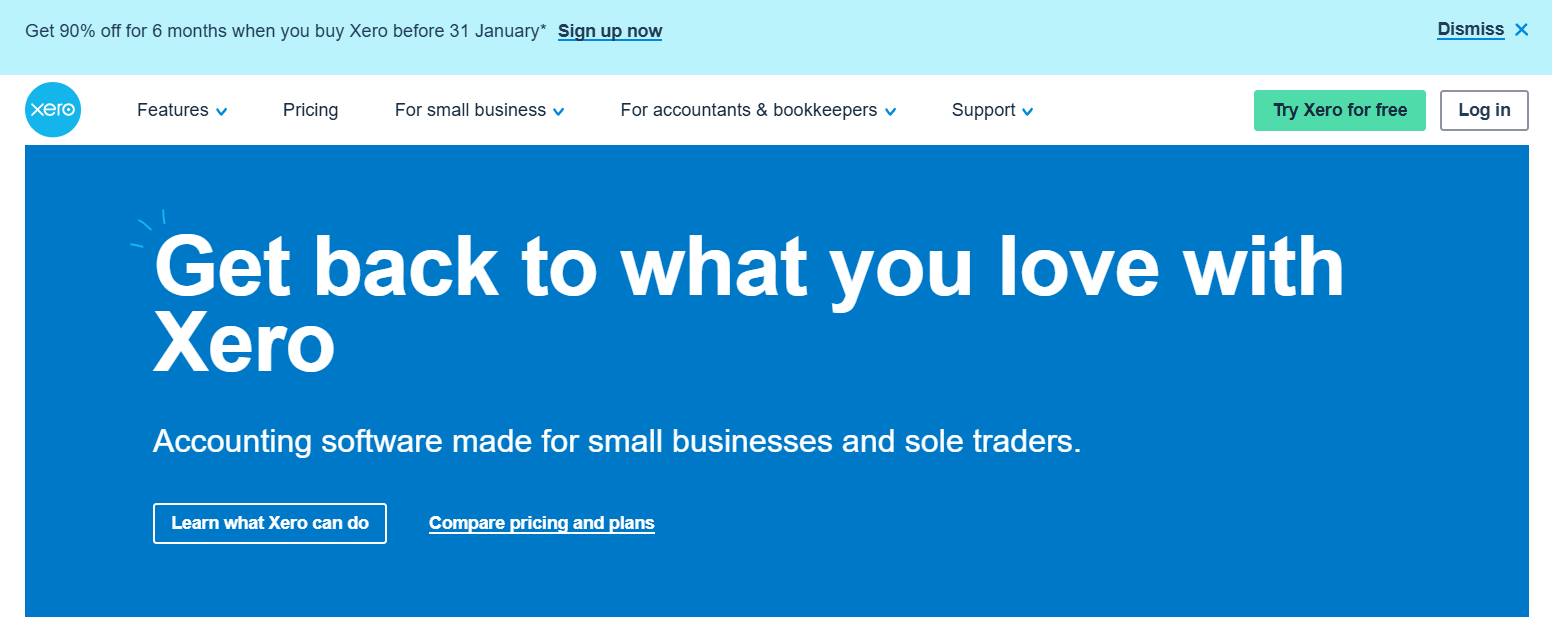
Xero
Xero is another excellent option. It is known for its simplicity and ease of use. Here is the cost breakdown:
| Plan | Monthly Cost |
|---|---|
| Early | $13 |
| Growing | $37 |
| Established | $70 |
The Early plan is for new businesses. The Growing plan is suitable for developing businesses. The Established plan is for mature businesses.
Freshbooks
FreshBooks is popular for its user-friendly interface. It offers three main plans: 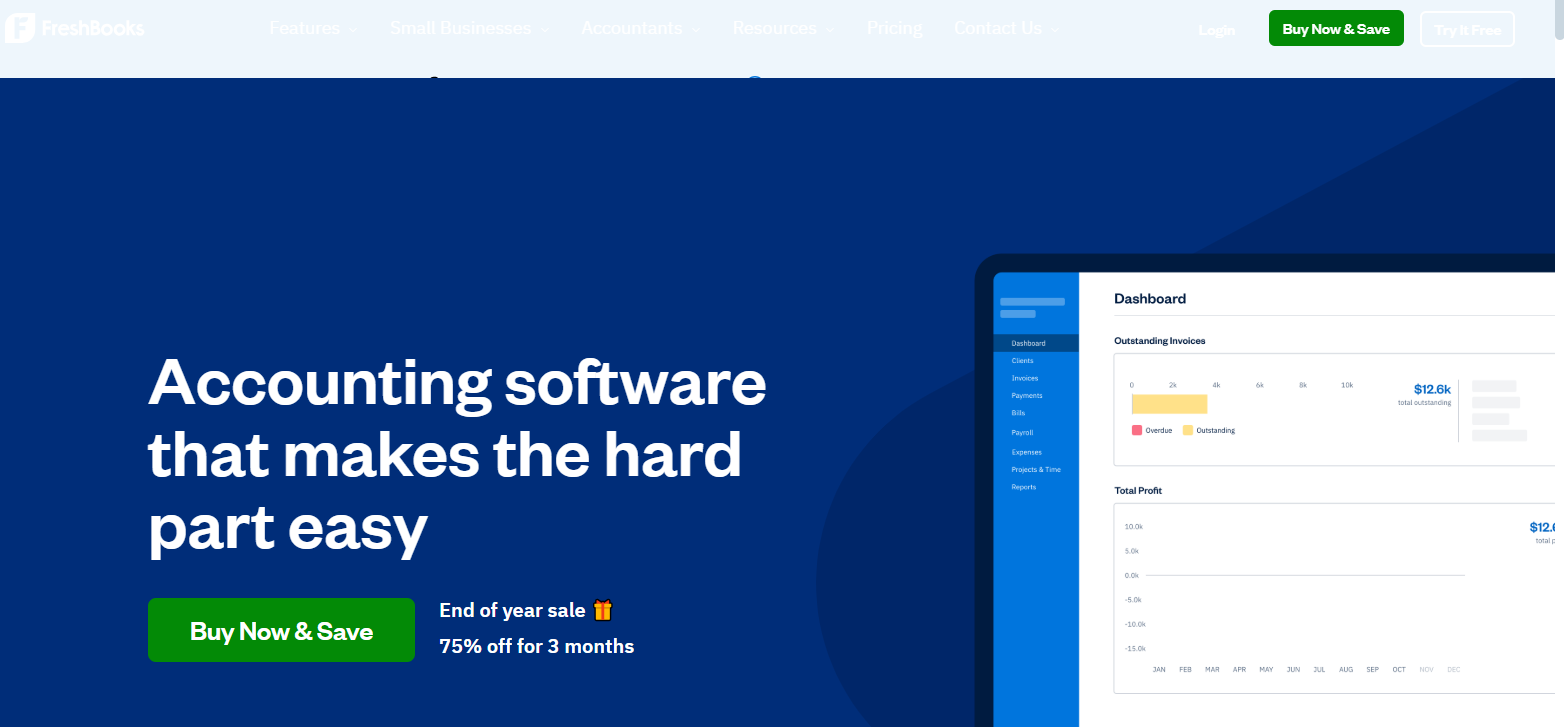
- Lite: $15/month
- Plus: $25/month
- Premium: $50/month
The Lite plan is great for freelancers, the Plus plan is ideal for small businesses, and the Premium plan offers advanced features for growing companies.
Each software has its strengths and price points. Choose the one that fits your business needs and budget.
Tips For Budgeting
Budgeting for accounting software can be challenging for small businesses. Balancing cost with functionality is crucial. Here are some tips to help you budget effectively.
Identifying Needs
Start by understanding your business needs. What specific accounting tasks do you need help with? This could be invoicing, payroll, or expense tracking. Write down all essential tasks.
Next, prioritize these needs. Determine which tasks are most important. This will help you select software that fits your requirements. Avoid overestimating your needs. Stick to the basics.
Consider the future. Is your business growing? Choose software that can scale with your company. It should support additional users and advanced features when needed.
Consult with your team. Get their input on what they need. This ensures the software meets everyone’s needs.
Avoiding Unnecessary Features
Many accounting software packages include extra features, which can be tempting but often unnecessary. Focus on the core features that you need.
Make a list of “must-have” and “nice-to-have” features. This helps in filtering out unnecessary options. Stick to your budget by avoiding features you don’t need.
Check for hidden costs. Some software may have extra charges for advanced features. Be aware of these costs to avoid overspending.
Compare different software packages. Look for the best value. Find a balance between features and cost.
| Feature | Essential | Optional |
|---|---|---|
| Invoicing | ✔️ | |
| Payroll Management | ✔️ | |
| Inventory Tracking | ✔️ | |
| Advanced Reporting | ✔️ |
By identifying your needs and avoiding unnecessary features, you can budget effectively and ensure the best value for your money.
:max_bytes(150000):strip_icc()/GettyImages-1442731807-de72b6667831444298d539e63d58693f.jpg)
Credit: www.investopedia.com
Frequently Asked Questions
What Is The Average Cost Of Accounting Software?
The average cost of accounting software ranges from $10 to $60 per month. Prices vary based on features and user requirements.
Are There Free Accounting Software Options?
Yes, there are free accounting software options available. They often have limited features but can be sufficient for small businesses.
Do Small Businesses Need Accounting Software?
Yes, accounting software helps small businesses manage finances efficiently. It simplifies tasks like invoicing, expense tracking, and financial reporting.
How Do Features Affect Accounting Software Cost?
Advanced features increase the cost of accounting software. Basic versions are cheaper, while premium versions offer more functionalities.
Conclusion
Choosing the right accounting software for your small business is crucial. Costs vary, but many options fit different budgets. Consider features, support, and scalability. Good software saves time and reduces errors. Research and compare to find the best fit. A wise investment in accounting tools can help your business grow.
Make an informed decision to ensure smooth financial management.